
Reference

sz77game App and Mobile Lobby Access

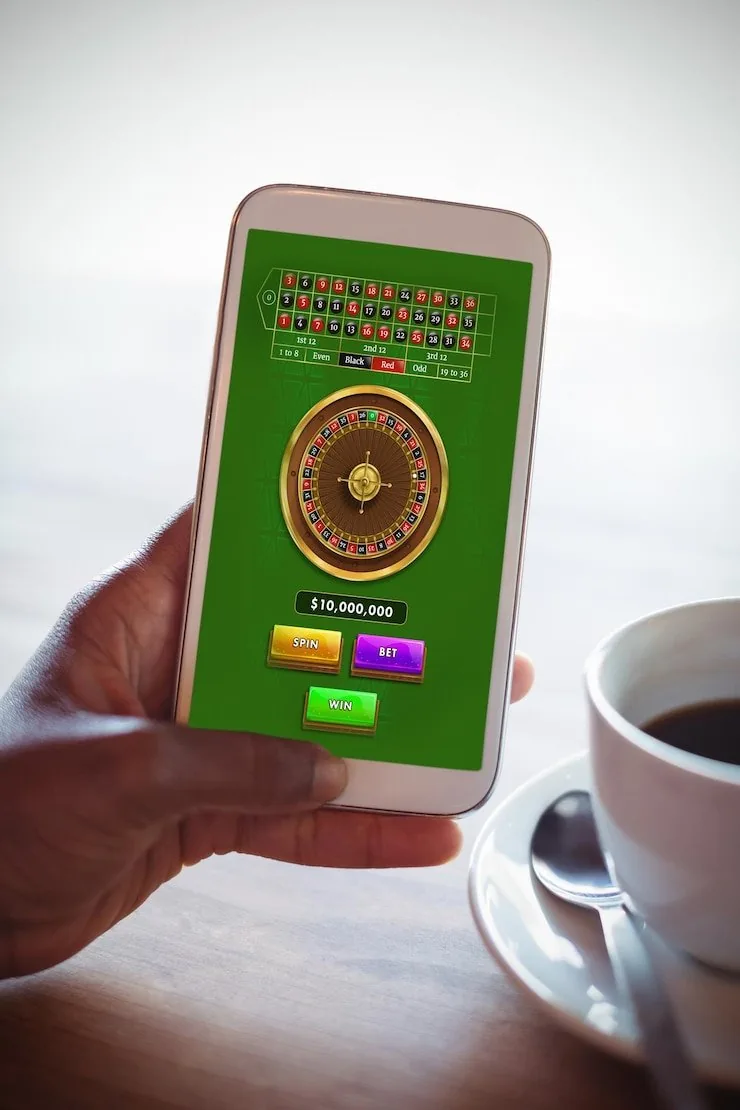
The sz77game lobby opens directly in your mobile browser — no file to download, no app store queue. Access your account, switch between slots and live tables, and check your wallet balance from any Android or iOS device where the platform is available under…

Mobile browser accessAndroid and iOS compatibleAccount wallet on the goCheck availability in your region
sz77game sz77game App and Mobile Lobby Access
sz77game Mobile Access in 3 Steps

Mobile Access in 3 Steps

There is no APK to sideload and no app store listing to search for. Access works through your phone browser, which means setup takes under a minute and nothing needs to be installed on your device. Players in Lahore and Karachi use this path every day to reach the lobby without any extra steps. Make sure your browser is up to date

before you start — an older browser version can affect how the live casino stream loads.

  • Open the current site — Type sz77game directly into Chrome, Safari or your preferred mobile browser. Bookmark it so you can return without retyping the address each time.
  • Check browser compatibility — The lobby works on Chrome for Android and Safari for iOS. If pages load slowly, clear your cache or switch to a different browser before contacting support.
  • Sign in securely — Enter your account credentials or use biometric login if your device supports it. An OTP may be sent to your registered number for additional verification.
  • Set up your wallet — Once inside, link your JazzCash, Easypaisa or Raast account from the wallet section so deposits and withdrawals are ready without re-entering details each session.

APP FEATURE SNAPSHOT

Key Features Inside the Mobile Experience

These four capabilities separate a properly built mobile session from simply opening a desktop site on a small screen. Each one is active on your account once you sign in through a supported browser.

Biometric Login Use your fingerprint or face unlock to return to your account instantly. No need to type your password every session — your device handles the authentication step.
Push Notifications Opt in to get alerts when your withdrawal is processed or when a live table event is about to open. Notifications reach you without opening the site.
Dark Mode Display The lobby switches to a darker colour scheme automatically when your device is set to dark mode, which makes late-night sessions on Crash Rush or Spice Bazaar Slots easier on the eyes.
Offline Lobby Preview If your connection drops briefly, the lobby layout stays visible so you can browse categories and build your session plan before the signal returns.
sz77game What Mobile Access Adds to Your Session

What Mobile Access Adds to Your Session

Opening sz77game on your phone is not just a smaller version of the desktop lobby. Push notifications alert you when a live table round is about to start or when your Easypaisa withdrawal clears. Quick deposit puts your JazzCash or Raast payment flow one tap away from the lobby screen. Fingerprint login means you skip the password every time you return. Crash

Rush and Teen Patti Express load fast on a mobile connection, and the live casino stream from Evolution or Pragmatic Play holds steady even on a 4G signal. Your betslip for PSL cricket markets travels with you in the same session.

DEVICE COMPATIBILITY CHECK

Which Devices and Browsers Work With sz77game

Before you count on a smooth session, run through this checklist. The live casino stream and crash game animations place more demand on your device than a static slot like Fortress Fortune Slots does, so it is worth knowing what the lobby expects from your hardware and connection.

sz77game Browser version

Browser version

Chrome 100 or later on Android and Safari 15 or later on iOS cover most active devices. Older browser builds may not render the live table layout correctly.

sz77game Screen layout

Screen layout

The lobby is built for portrait mode on phones and adapts to landscape for live tables. Tablet screens use a wider grid that shows more game tiles per row.

sz77game Account requirements

Account requirements

Your account must be verified before withdrawals are processed. Have your CNIC details ready for the verification step — unverified accounts can deposit but cannot withdraw.

sz77game App — Questions We Get Asked Most

These are the questions that come through our support channel regularly. If yours is not covered here, reach out directly from the help section inside your account.

Currently the sz77game experience runs through your mobile browser rather than a downloadable app. Open sz77game in Chrome or Safari and the full lobby is available without any installation.

Yes. Live tables from Evolution and Pragmatic Play stream on mobile with the same deal flow as desktop. Portrait mode suits most phones; landscape gives a wider table view on larger screens.

Your JazzCash deposit is available from the wallet section in the mobile lobby. Open the deposit tab, select JazzCash, confirm the amount and approve with your JazzCash PIN — no desktop needed.

When you sign in through a supported browser, you can enable fingerprint or face unlock through the account security settings. After that, returning to your session skips the password entry step.

Clear your browser cache and make sure you are on Chrome 100 or later, or Safari 15 or later. If the issue continues, contact account support from the help icon inside your account page.

Cricket betting including PSL markets is accessible from the sportsbook section on mobile, where available under local law. The betslip travels with your session across all lobby sections.
Reference

sz77game App

Service availability depends on eligible regions and local law. Users should check local rules before opening an account.

Access may be available only where local law permits.